
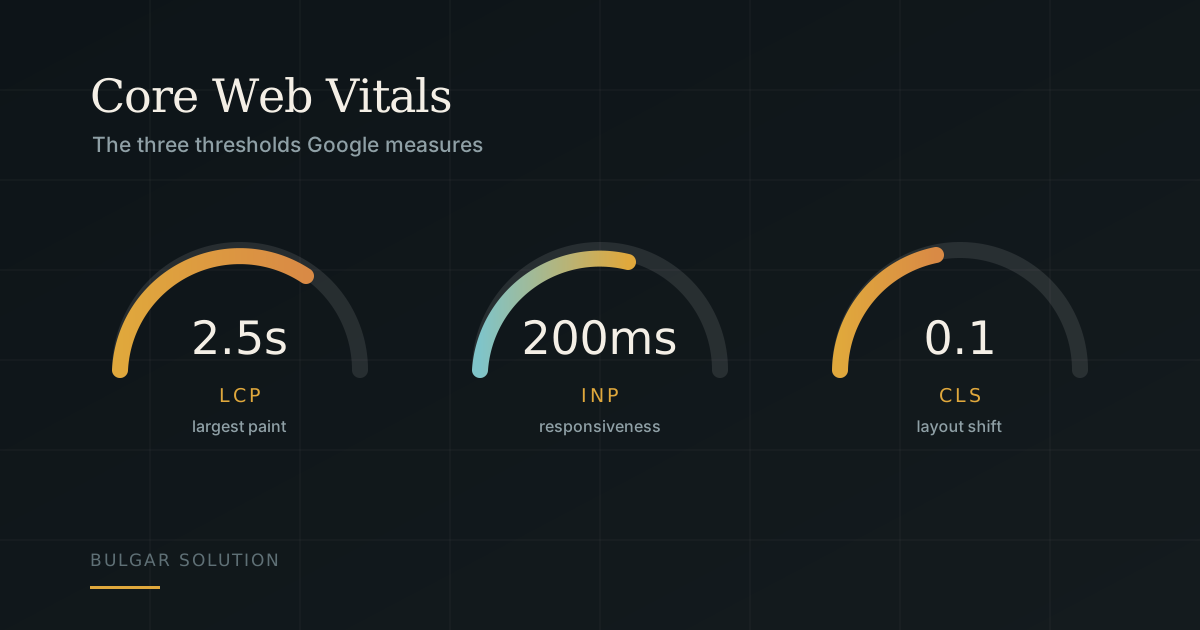
Core Web Vitals are the three metrics Google uses to measure how your site actually feels to a visitor — how quickly content appears, how quickly the page responds, and whether the layout stays still under their finger. They feed into ranking signals and, more importantly, they are felt directly by the person using your site.
The three metrics and their thresholds
Google sets clear boundaries for a "good" experience. The measurement is the 75th percentile of real visits — meaning three quarters of your users need to fall under these values:
- LCP (Largest Contentful Paint) — under 2.5 seconds. How long the largest visible element takes to appear, usually the hero image or headline.
- INP (Interaction to Next Paint) — under 200 milliseconds. How fast the page responds to a click or tap. This replaced the older FID metric in 2024.
- CLS (Cumulative Layout Shift) — under 0.1. How much the layout moves around while the page loads.
The usual causes of a poor LCP
In practice the culprit is almost always an image. One large, uncompressed photo near the top of the page can add seconds on its own. The fix runs in several directions at once:
- Serve modern formats — AVIF and WebP cut file size substantially against JPEG at the same visual quality.
- Deliver the right dimensions for the screen in question, rather than scaling a huge file down with CSS.
- Prioritise only the image in the first screenful and defer everything else with loading="lazy".
- Check your server response time. If the HTML itself arrives slowly, no amount of image work will save you.
CLS: the invisible problem
Layout shift is infuriating but straightforward to fix. The core rule is that every element should reserve its space before it loads. For images that means explicit width and height attributes in the HTML — the browser then holds exactly the right gap and nothing jumps.
If you have ever tapped the wrong button because an ad loaded a second late and pushed the content down — that is CLS.
The same applies to fonts. When a web font arrives late and replaces the fallback, the text reflows. font-display: swap, combined with preloading your primary font, keeps that to a minimum.
How to measure where you actually stand
There are two kinds of data and they do not contradict each other — they complement each other. Lab tools (Lighthouse, PageSpeed Insights) simulate a load under controlled conditions and are useful for diagnosis. Field data (the Chrome User Experience Report, also surfaced in PageSpeed Insights and Search Console) shows what your real visitors experience, on their devices and their networks.
Start with the Core Web Vitals report in Google Search Console. It groups pages by problem and shows which templates need attention — usually fixing one template fixes hundreds of pages at once.
What to do this week
If you are starting from scratch: run PageSpeed Insights on your homepage and on one product or interior page. Write down the three values. Compress the images in the first screenful and add width and height everywhere. Those two steps alone resolve a large share of the cases we see.